 desktop
Component lab.
Design system ↗Real Rust components. Compare their native pixels, then follow the recipe and tokens.
Buttons
Shared action, choice and disabled recipes. Tab and pointer feedback come from the engine.
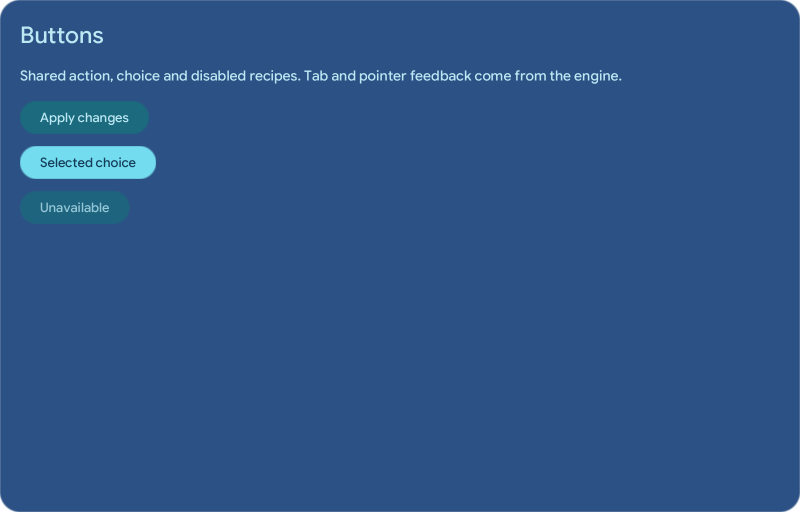
Loading capture…
Choose a state to compare native pixels. The image itself does not accept desktop input.
Recipe, tokens and source
Rust recipe
theme.button_enabled("Apply changes", Message::Action("Apply"), lab.state != "disabled")Design tokens
component.button.radiuscomponent.button.padding_inlinecomponent.button.padding_blockfont.controlopacity.muted
Capture provenance
Generated by the native Rust exporter.
Changing palette or state selects another Rust-rendered image. Density changes captured pixel detail; zoom only changes its viewing size. These captures do not establish compositor input, animation smoothness or performance.
The pieces become a shell.
These existing visual-test baselines show production compositions built with the framework. They are separate from the lab stories and do not represent interactive lab or native system-service coverage.
LauncherRegression reference · 2×
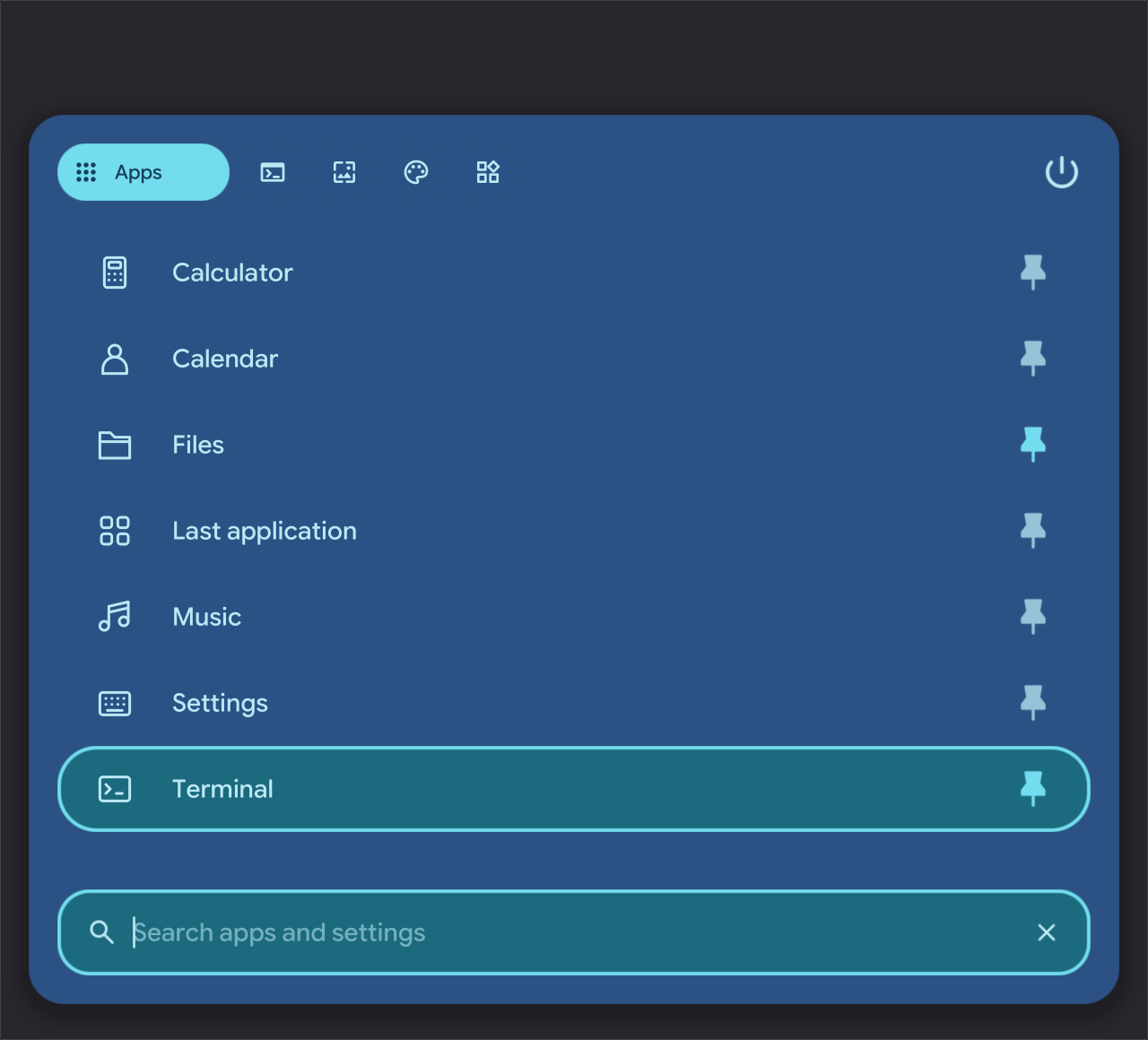
Last selected application and a focused search field.
AudioRegression reference · 2×
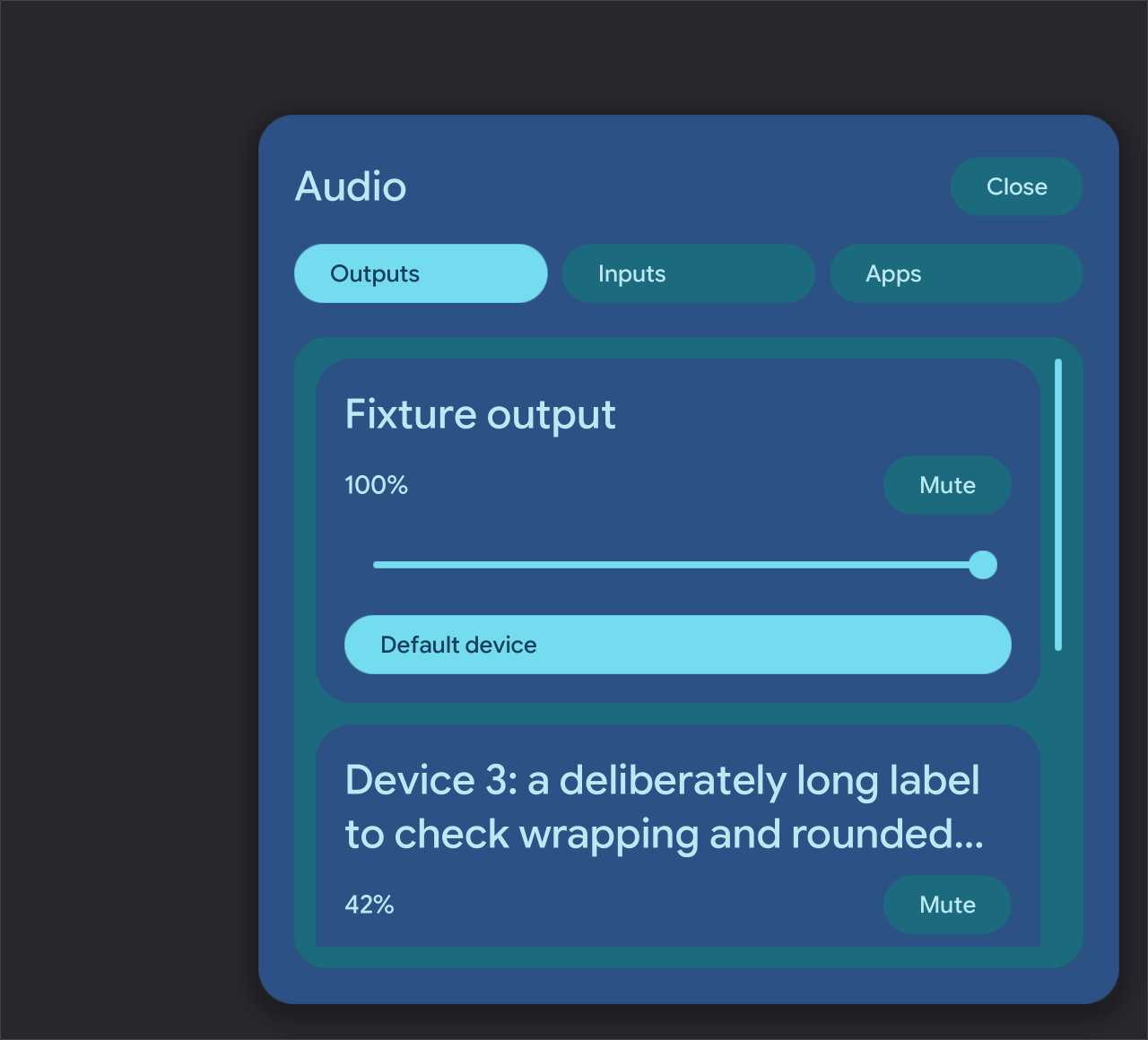
Output devices, volume and menu navigation.
BluetoothRegression reference · 2×
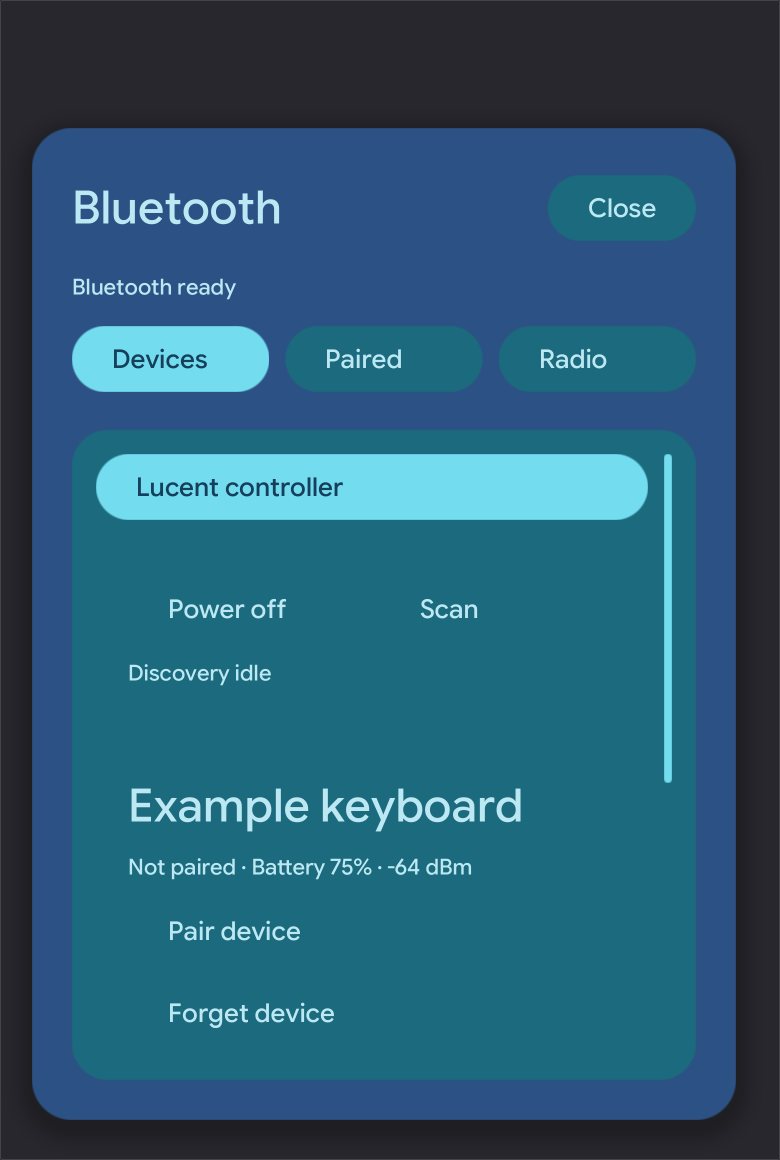
Device cards and application-owned menu composition.
PowerRegression reference · 2×
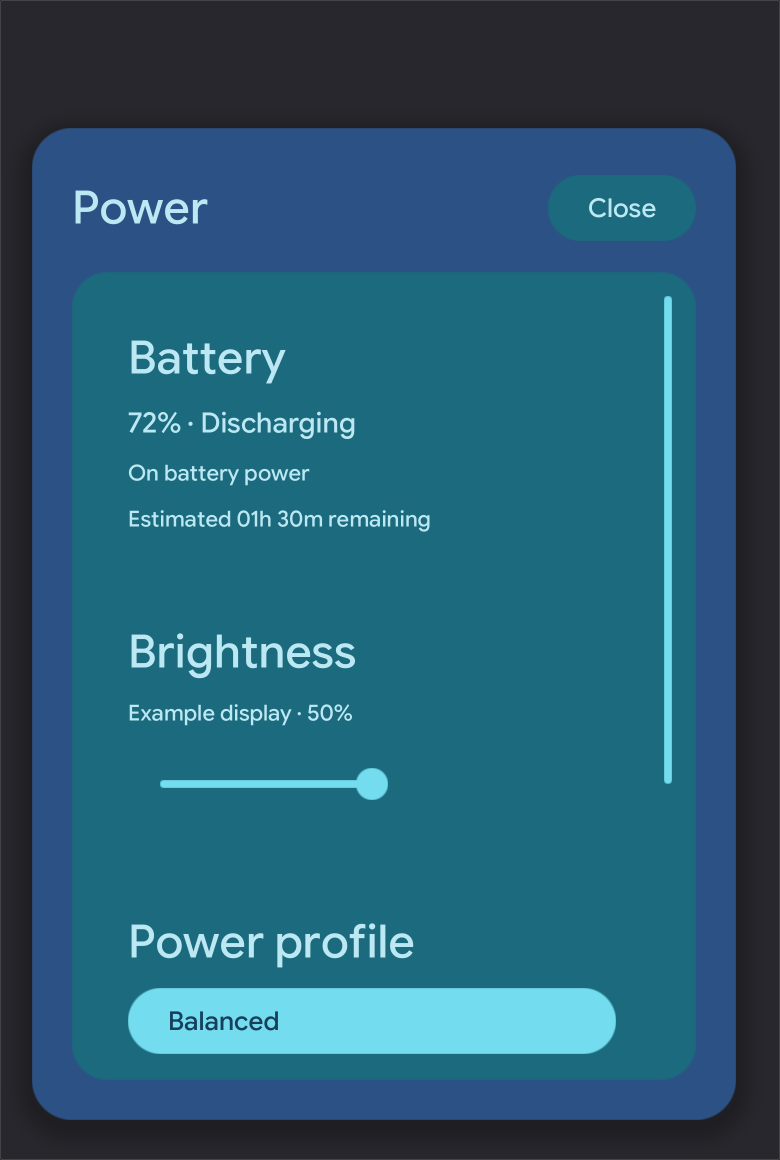
Brightness, profiles and session controls.
TrayRegression reference · 2×
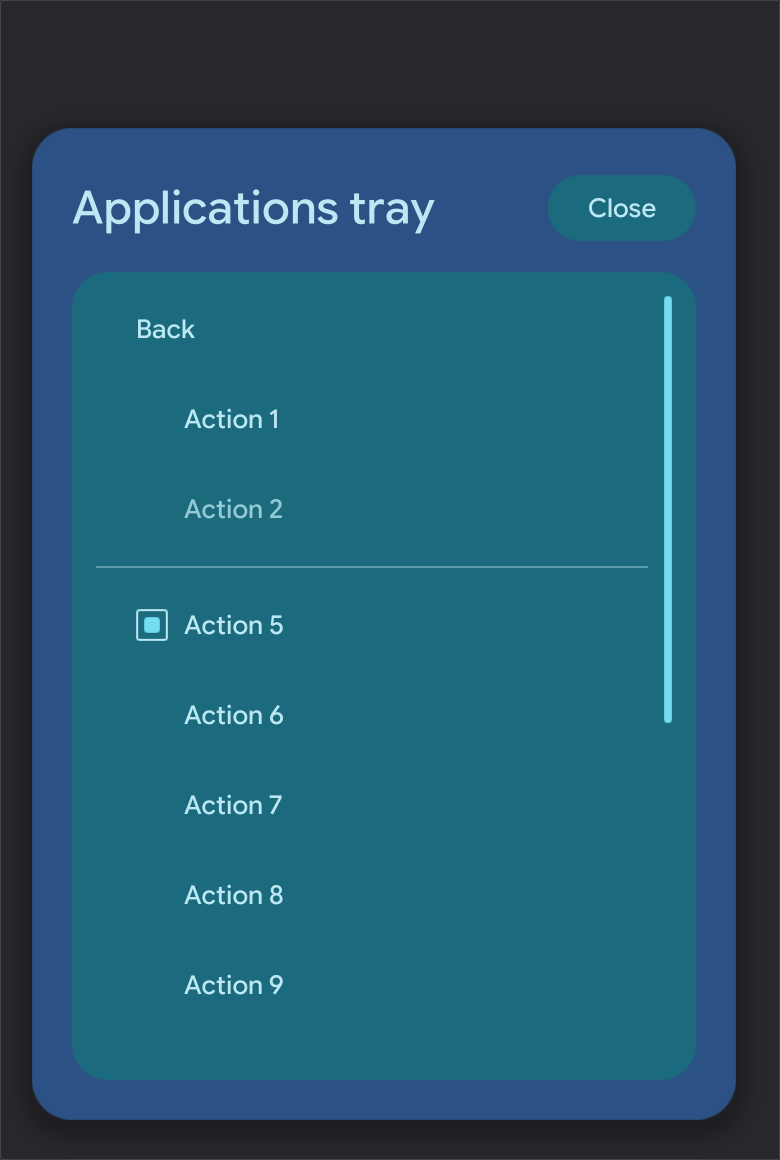
Application-provided menu content in the native shell.
Inspect it here.
Feel it in Wayland.
The native lab runs as an independent layer-shell client. Its controls change local fixture state; it does not replace your desktop or call the shell’s audio, network or power services.
cargo run --manifest-path lucent/Cargo.toml --locked -p lucent-labRegenerate the browser captures through the same native renderer, then serve the Astro site. See the component lab guide for the export command, story structure and validation boundaries.